Viber is a cross-platform instant messaging application used for sending text messages and making voice or video calls to other users globally via your smartphone and PC. It is one of the pioneer messaging apps alongside WhatsApp. Viber has a massive user base, making it incredibly likely that your contacts are already on the platform.
Easy to set up and use
Getting started with Viber is straightforward, though the PC version has one strict prerequisite: you must already have the app active on your smartphone. Since the service uses your phone number as your identity, you need to download, install, and configure Viber on your iOS or Android device before you can access it on your computer.
Once that step is out of the way, just open the desktop client, navigate to the settings on your phone, and scan the QR code displayed on your monitor. This prompts an option to sync your chats and contacts, keeping your conversation history updated across devices the moment you grant permission.
After that, it is smooth sailing. You can immediately start messaging and calling your contacts.Chat capabilities and organization
Beyond standard text messaging and high-quality audio or video calls, the software includes helpful organization tools like communities and custom folders.
Viber communities function as large-scale group chats that you can easily join or create. These spaces offer various management options, allowing you to assign additional admins to moderate the chat or generate invite links to quickly bring in new members.
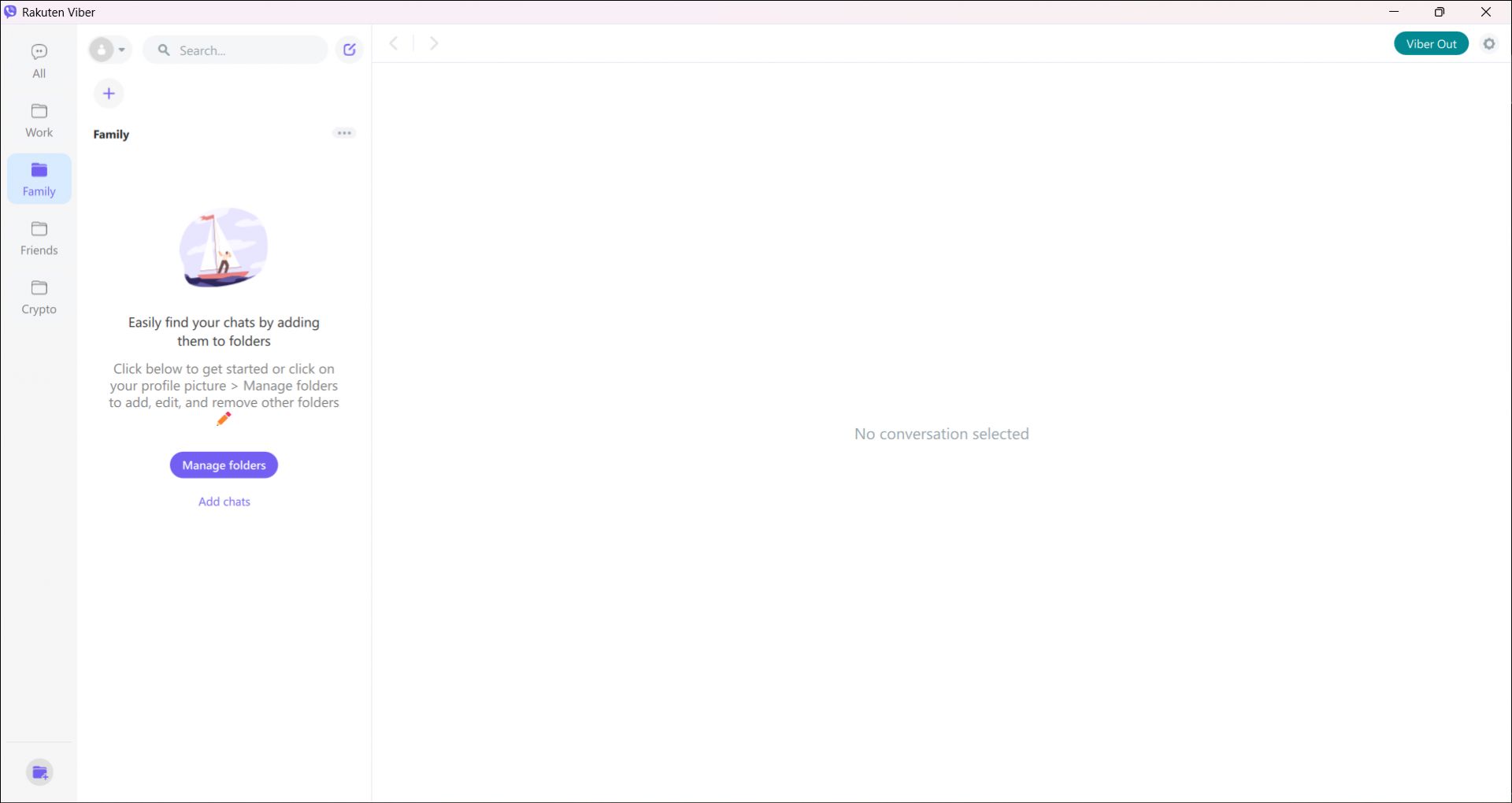
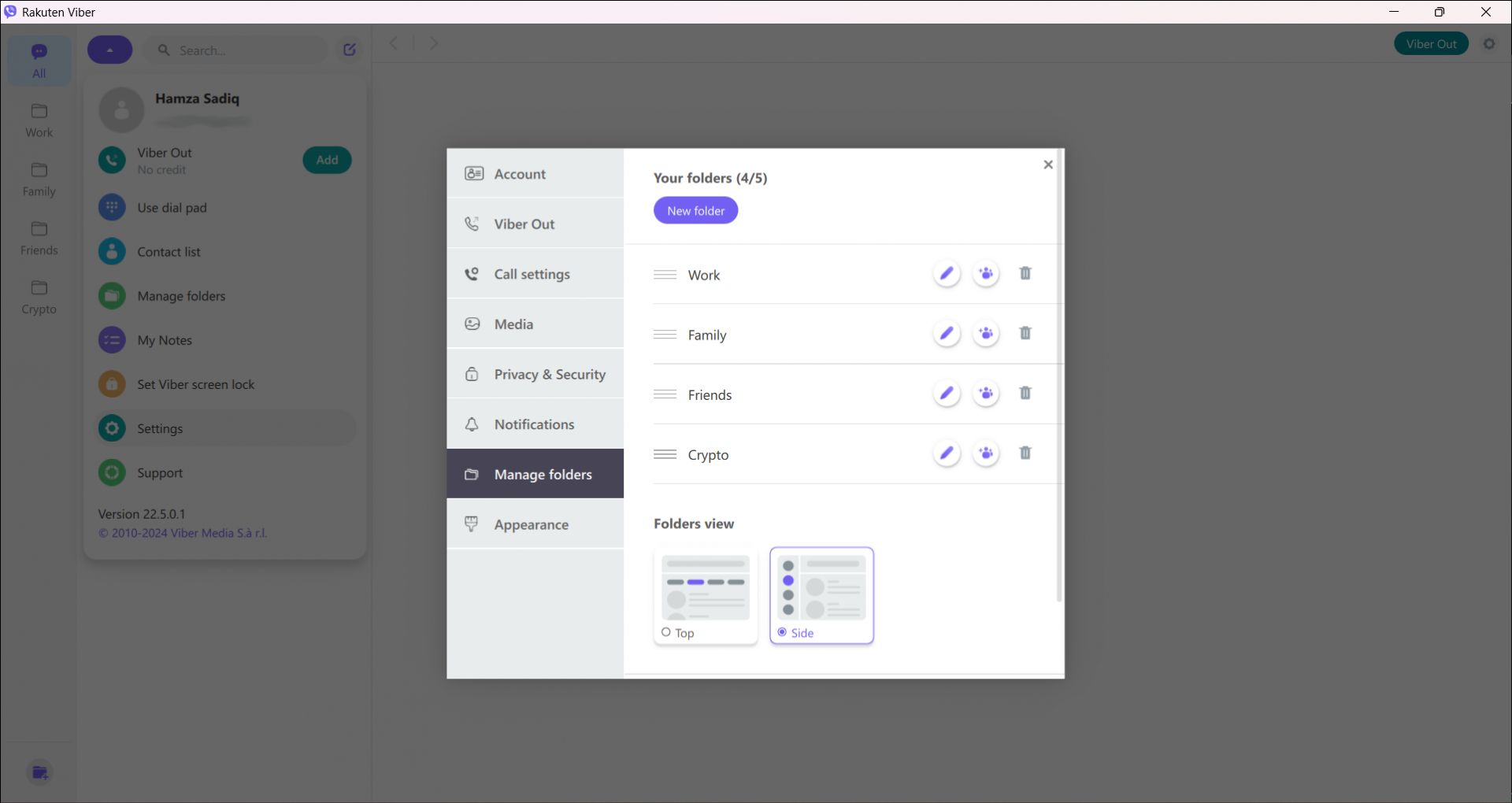
Folders are another practical addition designed to declutter your main screen by filtering active conversations. You can sort chats into specific categories like Work, Personal, or Family. The app allows you to create up to five custom folders, making it easier to separate business discussions from family group chats.Viber Out
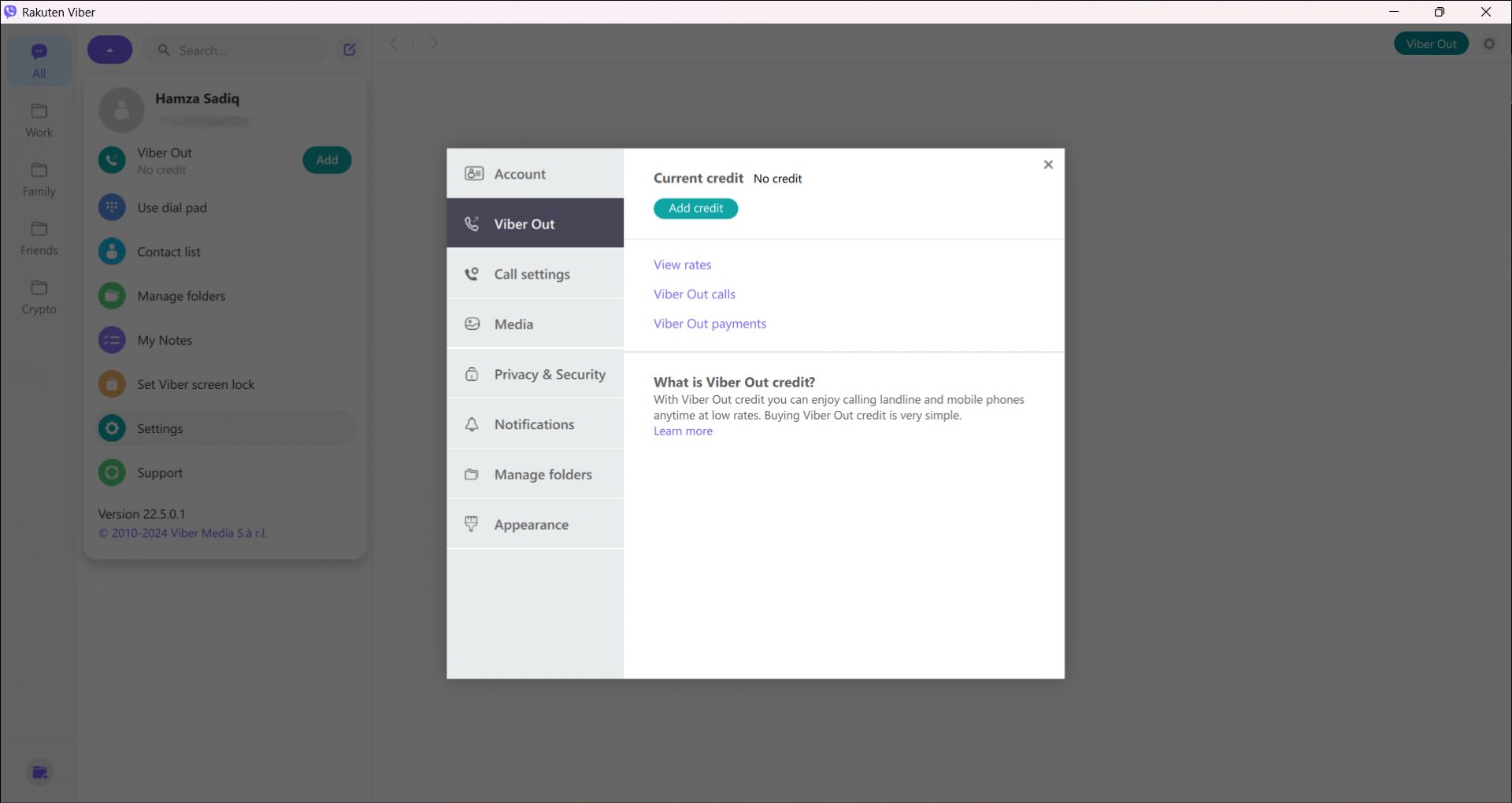
If you need to reach someone who is not on the platform, an integrated feature called Viber Out lets you call standard landline or mobile numbers directly from the application. This acts as a traditional VoIP service, meaning you must first load prepaid credit to your account or purchase a calling plan before dialing out.Price
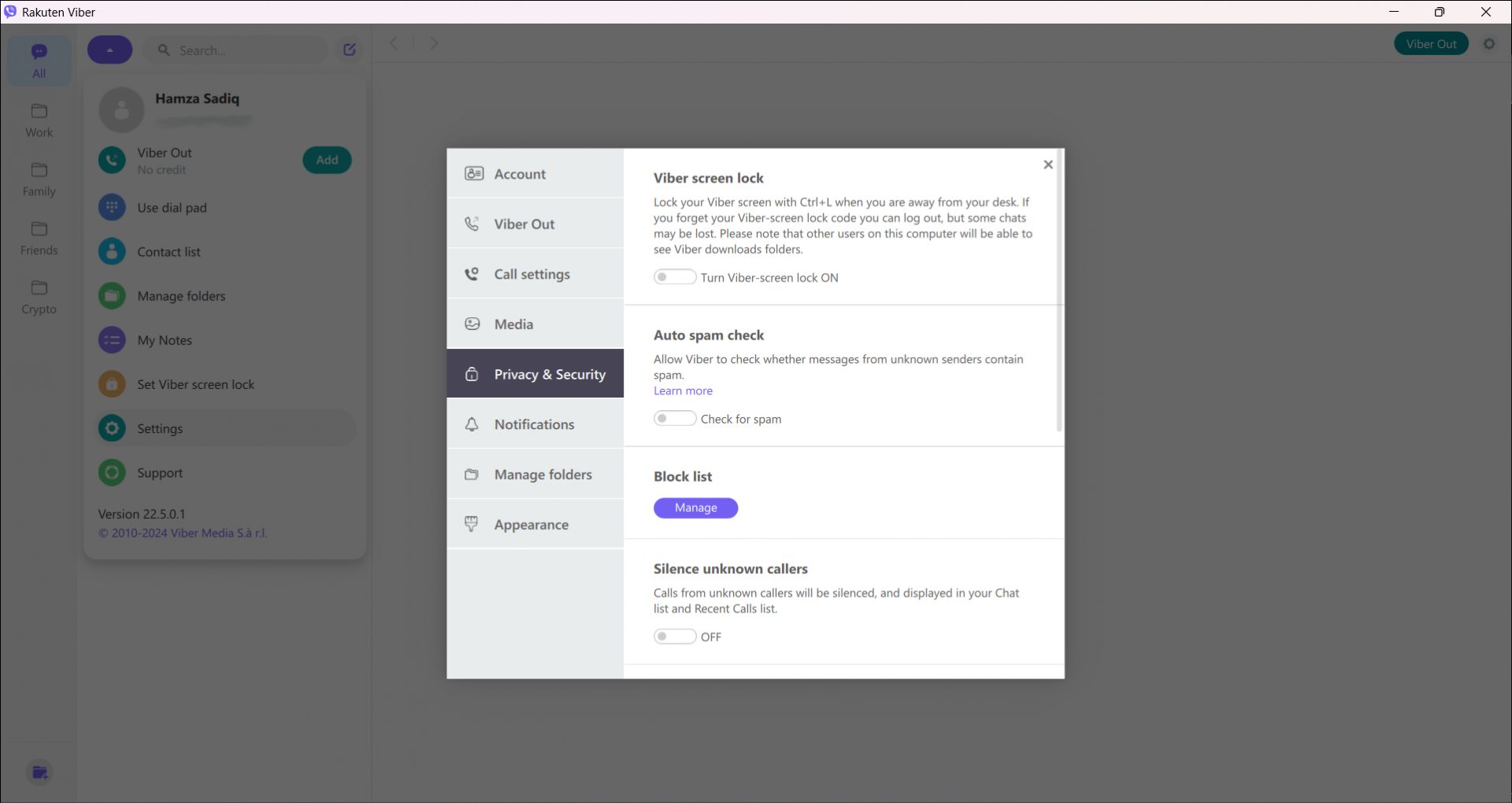
The core application is completely free to use. However, Rakuten offers an optional Viber Plus premium subscription that removes advertisements and provides extra privacy features, like an invisible mode and voice-to-text transcription. Additionally, the Viber Out calling feature operates on a paid basis if you need to dial external phone numbers.A solid desktop companion for staying in touch
Viber remains a highly capable communication tool, especially if your social circle already uses the service. The Windows client gives you the convenience of typing on a full keyboard while keeping your conversation history perfectly synced with your mobile device. Just remember that the desktop experience is entirely dependent on having an active mobile account first.